
- Shopify
- Inventory
- Cart Reserve
How to Prevent Overselling on Shopify During High-Demand Sales
A practical guide to protecting limited Shopify inventory during product drops, restocks, flash sales, and other high-demand events.
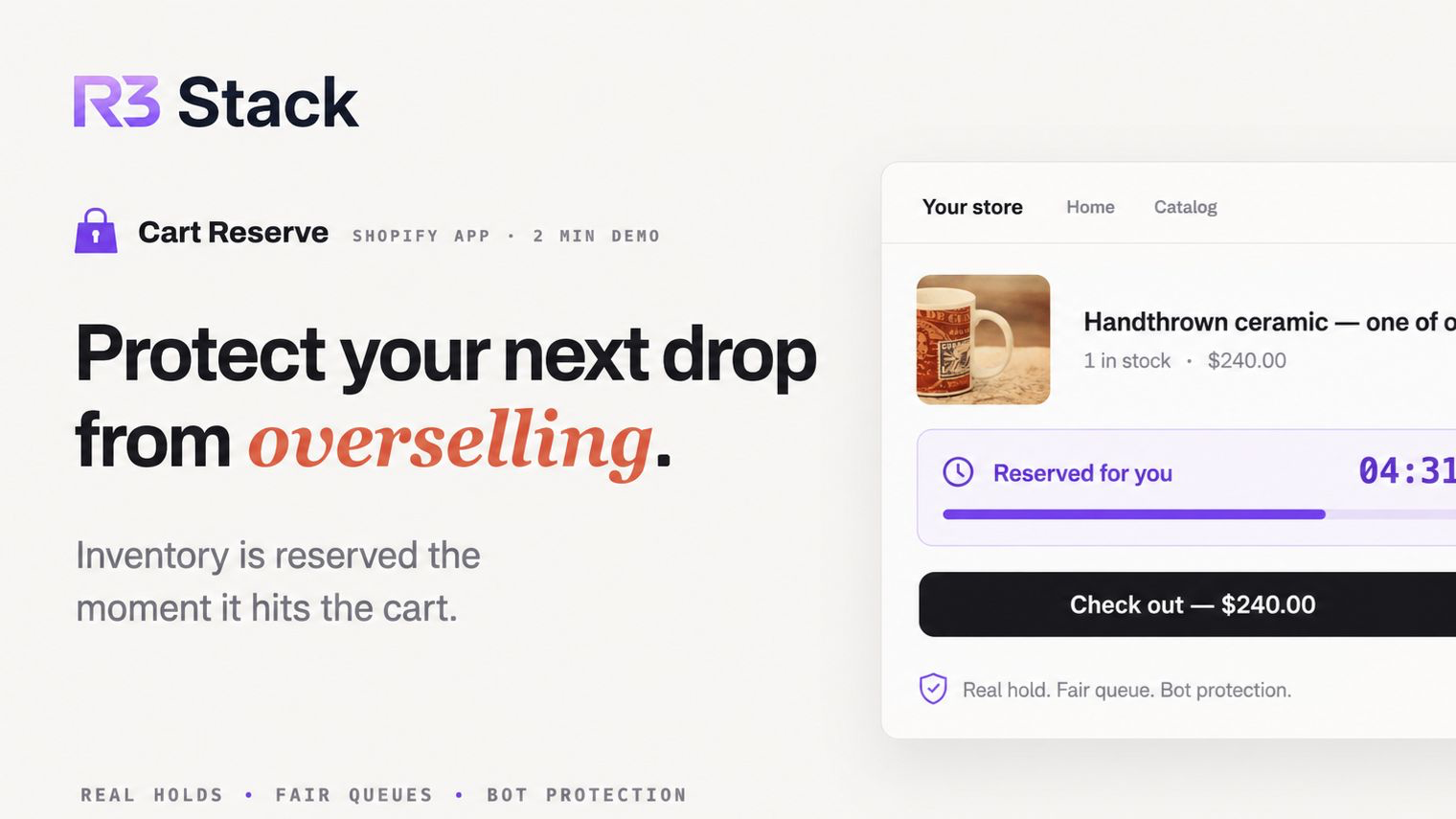
Overselling is more than an inventory number dropping below zero. It happens when customers successfully order products that your store can no longer fulfil.
For a merchant, that can mean cancellation emails, manual refunds, frustrated buyers, additional support work, and lost trust. The risk becomes especially visible during product drops, limited restocks, flash sales, and releases of handmade or one-of-one products.
Shopify's inventory tracking provides an important first layer of protection. But stores that experience concentrated demand may need more than a simple in-stock or out-of-stock check. They may need a controlled way to reserve units while genuine customers complete checkout.
This guide explains the main causes of overselling, the protections every Shopify store should configure, and when real-time cart reservations make sense.
Quick Answer: How Do You Prevent Overselling on Shopify?
To prevent overselling on Shopify, track inventory for every limited variant, disable Continue selling when out of stock, verify inventory across fulfilment locations, and set sensible quantity limits. For high-demand drops, add a server-enforced cart reservation with automatic expiration and checkout validation, then combine it with a fair queue and bot protection.
What Does Overselling Mean on Shopify?
Overselling occurs when a store accepts more orders for a product or variant than it can actually fulfil.
A simple example:
- A product has one unit available.
- Several shoppers attempt to buy it at nearly the same time.
- More than one order is accepted, or the store has been configured to continue selling after inventory reaches zero.
- At least one customer has purchased stock that does not exist.
Not every negative inventory number is accidental. Some merchants intentionally allow products to continue selling for pre-orders or fast-moving restocks. The problem begins when the storefront creates expectations the merchant cannot meet.
Why Shopify Stores Oversell
1. “Continue selling when out of stock” is enabled
Shopify allows merchants to keep selling a tracked product after its available inventory reaches zero. This can be useful for pre-orders, made-to-order products, or inventory that can be replenished quickly.
For limited products, however, leaving this option enabled can directly allow more sales than available stock.
2. Inventory is inaccurate across locations
Stores with multiple locations, fulfilment partners, marketplaces, or inventory apps have more moving parts. A product may appear available online even though its physical quantity, location assignment, or fulfilment availability is incorrect.
Small discrepancies become expensive when demand is high.
3. Many buyers compete for the final units
Most stores do not have problems when purchases arrive gradually. The difficult moment is when dozens or hundreds of customers target the same low-stock variant within a very short window.
At that point, inventory protection must handle simultaneous attempts consistently—not only refresh the product page quickly.
4. A countdown timer is mistaken for a stock reservation
A timer can create urgency and tell a shopper how long they have left. But a visual countdown alone does not necessarily remove the item from availability for everyone else.
This distinction matters:
A cart timer displays time. A real inventory reservation protects stock.
If the storefront tells a customer “your item is reserved,” the underlying inventory and checkout rules should enforce that promise.
5. Bots or repeated sessions hold disproportionate stock
During sought-after releases, automated traffic can add products faster than normal shoppers. Even without sophisticated bots, one person may open multiple tabs, create repeated sessions, or reserve excessive quantities.
A reservation system without abuse controls can replace overselling with a different problem: cart hoarding.
Start With Shopify's Core Inventory Settings
Before adding another system, make sure the store's basic configuration is correct.
Track inventory for limited products
Enable inventory tracking for every product or variant whose quantity matters. Without tracked inventory, the storefront cannot reliably determine when the product is sold out.
Disable selling when out of stock
For genuinely limited inventory, make sure the product is not configured to continue selling after its quantity reaches zero.
Keep the setting enabled only where overselling is intentional, such as a clearly communicated pre-order.
Audit locations and fulfilment rules
Confirm that:
- stock is assigned to the correct location;
- locations intended to fulfil online orders are active;
- fulfilment apps report accurate quantities;
- unavailable inventory is not being treated as sellable;
- product variants are mapped correctly across connected systems.
Set sensible quantity limits
A per-customer or per-cart quantity limit cannot solve every concurrency problem, but it reduces accidental over-ordering and makes it harder for one buyer to capture all available units.
Keep a safety buffer where exact availability is uncertain
When physical counts, returns, damaged stock, or warehouse updates are not perfectly synchronized, a small inventory buffer can reduce operational risk.
The trade-off is that protected units cannot be sold until the buffer is released, so the number should be based on real fulfilment accuracy—not guesswork.
Why Adding a Product to a Cart Is Not the Same as Reserving It
A normal cart represents purchase intent. A reservation represents a temporary claim on inventory.
That difference is important for stores that want to give customers a fair checkout window. Without a reservation layer, a shopper may add the last unit to their cart, enter payment details, and discover at checkout that somebody else purchased it first.
That behaviour may be acceptable for ordinary products with plenty of stock. It becomes frustrating when the product is rare, handmade, unique, or released during a tightly scheduled drop.
A controlled reservation changes the flow:
- The shopper adds an eligible product to the cart.
- The store temporarily holds the requested quantity.
- Other shoppers see only the remaining purchasable stock.
- The customer receives a clearly communicated checkout window.
- Checkout validation confirms that the reservation still belongs to that customer.
- A completed purchase consumes the held stock.
- An expired or abandoned reservation is released automatically.
The goal is not to lock inventory indefinitely. It is to create a short, enforceable bridge between “add to cart” and “complete purchase.”
What a Reliable Cart Reservation System Should Include
Real inventory protection
The system should affect what other shoppers can purchase. A badge, timer, or browser-only state is not enough when the underlying stock remains fully available.
Automatic expiration and release
Every hold needs a clear expiration time. When the shopper leaves or the timer ends, the unit should return to availability without manual intervention.
The release process should also recover safely from interrupted sessions, closed browsers, and failed payments.
Checkout validation
The reservation rules should still be enforced when the customer reaches checkout. This helps prevent expired, duplicated, or manipulated carts from bypassing the storefront logic.
Protection against cart hoarding
Useful controls include:
- maximum quantities per session;
- limits on simultaneous reservations;
- detection of repeated or suspicious behaviour;
- IP or country controls where appropriate;
- fair queueing during traffic spikes;
- short reservation windows for highly contested products.
Clear customer communication
The storefront should explain:
- whether the item is truly reserved;
- how much time remains;
- what happens when the hold expires;
- whether the timer resets after cart changes;
- why a customer may be placed in a queue.
Clear wording reduces confusion and support requests.
Monitoring and analytics
Merchants should be able to see active holds, released inventory, completed reservations, suspicious sessions, and products that experience the most contention.
Without observability, it is difficult to know whether reservations are improving fairness or simply locking too much inventory.
How Long Should a Shopify Cart Reservation Last?
There is no universal ideal timer.
For a fast product drop, a window of roughly five to ten minutes may be enough. A store with a longer checkout flow, personalization fields, or international payment methods may need more time.
The timer should balance two competing goals:
- give a genuine buyer enough time to complete checkout;
- return abandoned inventory quickly enough for another customer to purchase it.
A useful starting point is ten minutes, followed by adjustments based on completion rate, expiration rate, and customer feedback.
Avoid extending the timer simply to create more urgency. The hold duration should reflect the real checkout experience.
When Cart Reservations Make the Most Sense
Real-time reservations are especially useful for:
- limited product drops;
- small-batch and handmade restocks;
- one-of-one products;
- collectibles and numbered editions;
- event-driven flash sales;
- products that regularly sell out within minutes;
- stores where overselling creates expensive manual fulfilment problems.
They are usually less important for products with deep, continuously replenished inventory. Reserving every ordinary item can add unnecessary complexity and may temporarily hide stock that would otherwise remain available.
A targeted rollout is often better: start with the products that have the highest scarcity, demand concentration, or cancellation risk.
Cart Reservations, Fair Queues, and Bot Protection Work Better Together
Inventory reservation solves only one part of a high-demand sale.
If automated traffic reaches the product first, a perfectly accurate reservation system can still allocate most units to bots. If thousands of buyers send requests at once, the store also needs a predictable way to decide who gets access.
A stronger release workflow combines:
- inventory holds to prevent conflicting purchases;
- a fair queue to manage traffic spikes;
- quantity and session limits to reduce hoarding;
- bot detection to protect genuine buyers;
- checkout validation to enforce the result through purchase;
- scheduled drop controls and analytics for the merchant.
The objective is not only to avoid negative inventory. It is to make the entire release more predictable for both the store and its customers.
Prevent Overselling With Cart Reserve
Cart Reserve is built for Shopify merchants who need more control between add-to-cart and checkout.
It can hold eligible inventory when a shopper adds it to the cart, release expired reservations automatically, and validate reservation rules through checkout. Merchants can also add configurable timers, fair queueing, scheduled drops, bot protection, storefront customization, and reservation analytics.
Use it for a small group of limited products or protect a broader catalog as your reservation workflow grows.
Start protecting limited Shopify inventory with Cart Reserve
Frequently Asked Questions
Does Shopify automatically prevent overselling?
Shopify inventory tracking can stop a tracked product from being sold after its available quantity reaches zero, provided the product is not configured to continue selling when out of stock. Merchants still need accurate stock, location, fulfilment, and app configuration.
Does adding an item to a Shopify cart reserve it?
A standard cart should be treated as purchase intent, not as a guaranteed stock hold. Stores that promise customers a reserved checkout window need a reservation mechanism that protects inventory and enforces expiration rules.
Is a cart countdown timer enough to prevent overselling?
No. A timer can communicate urgency, but it prevents overselling only when it is connected to real inventory protection, automatic release, and checkout validation.
Can reservations cause cart hoarding?
Yes, when holds are too long or poorly limited. Use quantity caps, session controls, bot detection, fair queueing, and automatic expiration to keep stock moving toward genuine buyers.
Should every Shopify product use a reservation?
Not necessarily. Reservations provide the most value for scarce, high-demand, handmade, one-of-one, or operationally expensive products. Start with the items where overselling or checkout competition causes the greatest harm.